A stolen password can put your business email, customer records, and other sensitive information at risk. Multi-factor authentication adds another checkpoint. Here’s how it works, which options offer stronger protection, and how your team can get started.
What is multi-factor authentication?
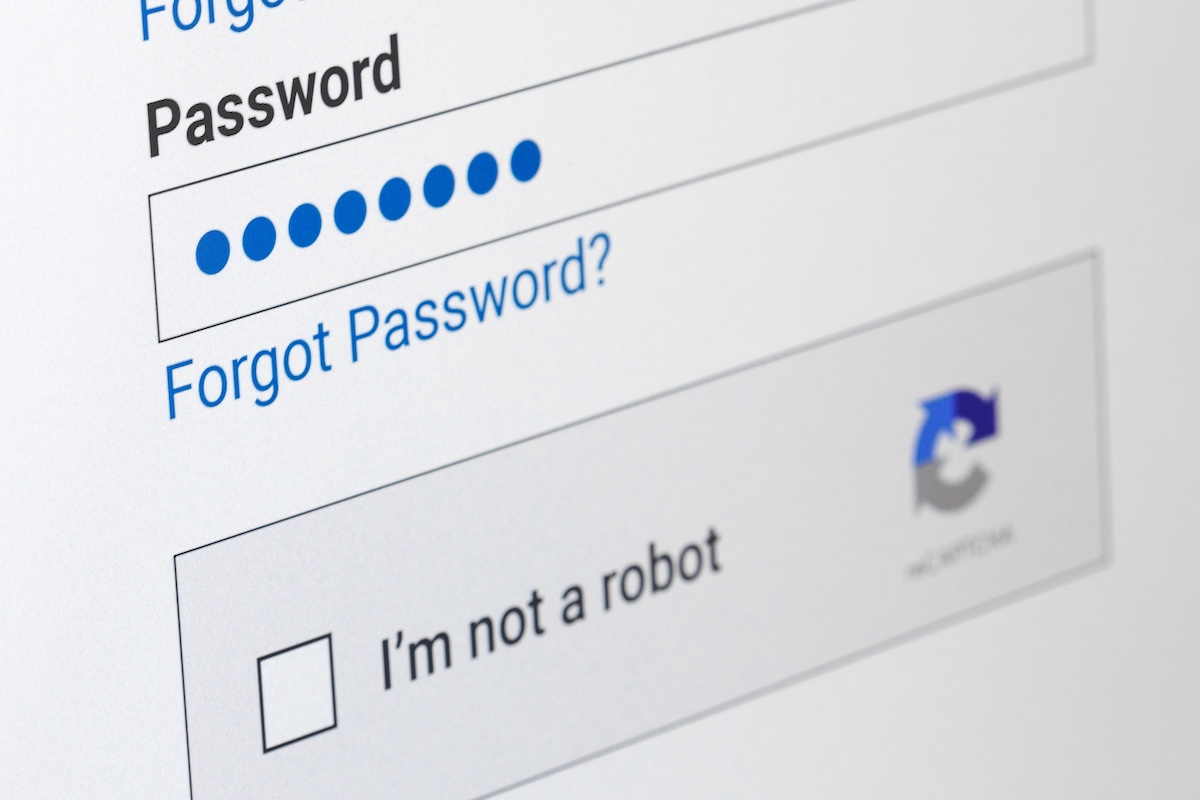
Multi-factor authentication (MFA) verifies your identity using two or more different factor categories: something you know, such as a password; something you have, such as a security key; or something you are, such as your fingerprint.
For example, entering a password and using a physical security key combines knowledge and possession. Two-factor authentication uses exactly two categories, making it a form of MFA. Two passwords alone don’t qualify because they belong to the same category.
Which MFA methods can your business use?
Common authentication methods offer different levels of security:
- Text-message codes: Convenient, but more vulnerable to phone-number hijacking and interception.
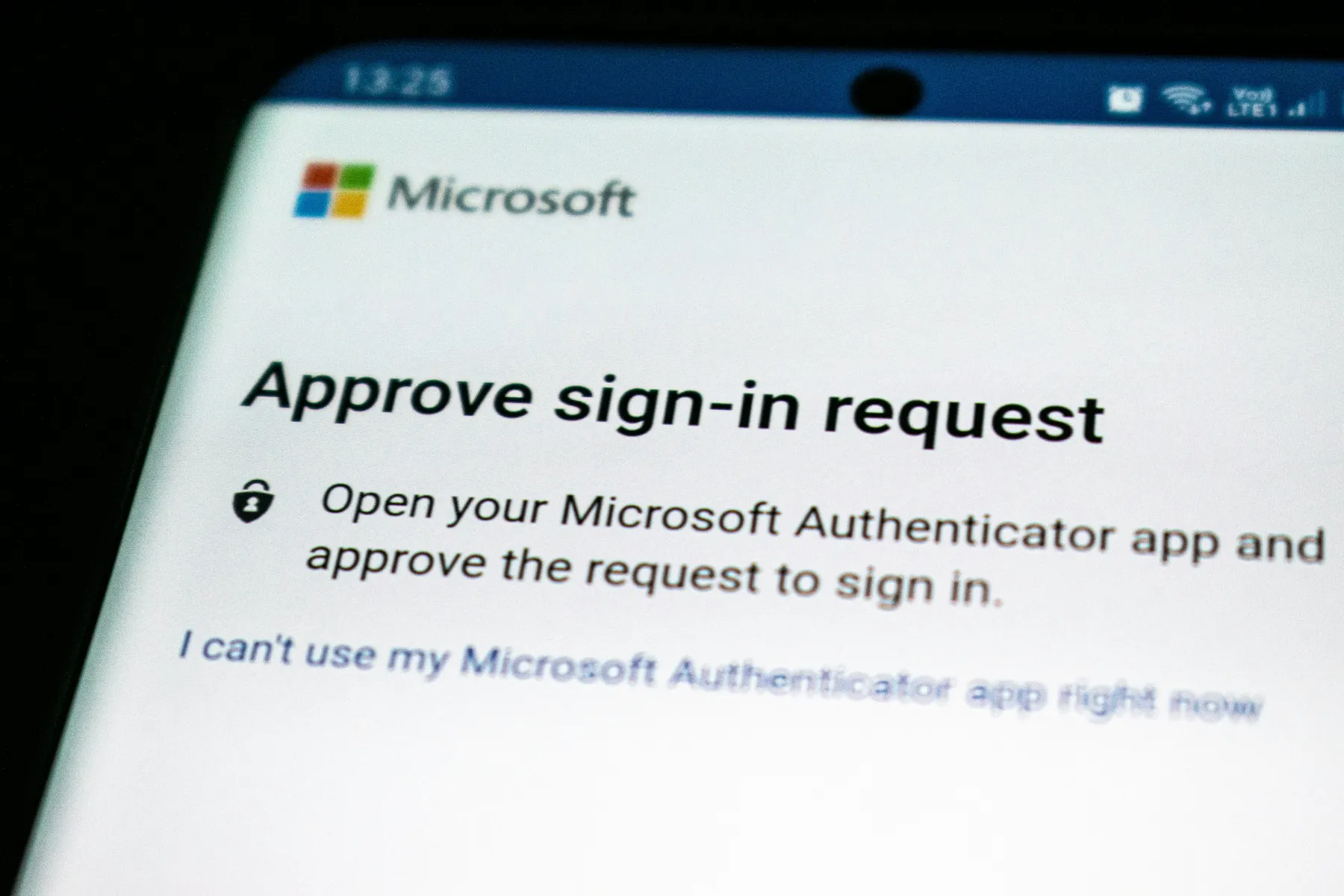
- Push approvals: Ask you to approve a sign-in; unexpected requests should be rejected.
- Authenticator app codes: Generate temporary codes on your phone, but still potentially vulnerable to attackers through phishing and spoofing exercises.
- Physical security keys: FIDO2-compatible keys provide phishing-resistant MFA by tying authentication to the legitimate website.
These methods aren’t equally secure. Multi-factor authentication reduces account-takeover risk, but it doesn’t prevent every attack or replace other security measures. This is why a defense-in-depth strategy is important in today’s threat landscape, combining MFA with endpoint detection and response (EDR), antivirus protection, DNS protection, and data backups.
How to get started with MFA
Start with business email, administrator accounts, and critical applications. Choose methods your systems support, favoring phishing-resistant options where available. MFA for small businesses works best when security and everyday usability stay balanced.
Run a small pilot before wider deployment. Use security awareness training to teach employees to reject and report unexpected approval requests. Establish secure recovery procedures, including protected backup codes and identity checks before resetting access. These steps help protect sensitive information and keep business operations running.
Need help choosing MFA?
Ask GSD Technologies for help choosing and implementing MFA tailored to your needs.
Share