One of the most common mistakes businesses make is replacing hardware before identifying the actual problem. When a device stops working, it is easy to assume it has reached the end of its life. Sometimes that is true. A failing hard drive, damaged memory, or aging equipment can absolutely cause problems. More often than many people realize, though, the issue comes from software, settings, updates, or connectivity problems.
The challenge is that the symptoms often look the same. A slow computer could be struggling with legacy hardware. However, it could also be due to a problematic software update or limited storage space. Understanding the difference between hardware and software issues can help businesses make better decisions about troubleshooting and repairs. Before replacing equipment or assuming the worst, it helps to know where the problem is most likely coming from.
The Difference Between Hardware and Software
Hardware refers to the physical components you can touch. This includes things like:
- Computers and laptops
- Monitors
- Printers
- Hard drives
- Keyboards and mice
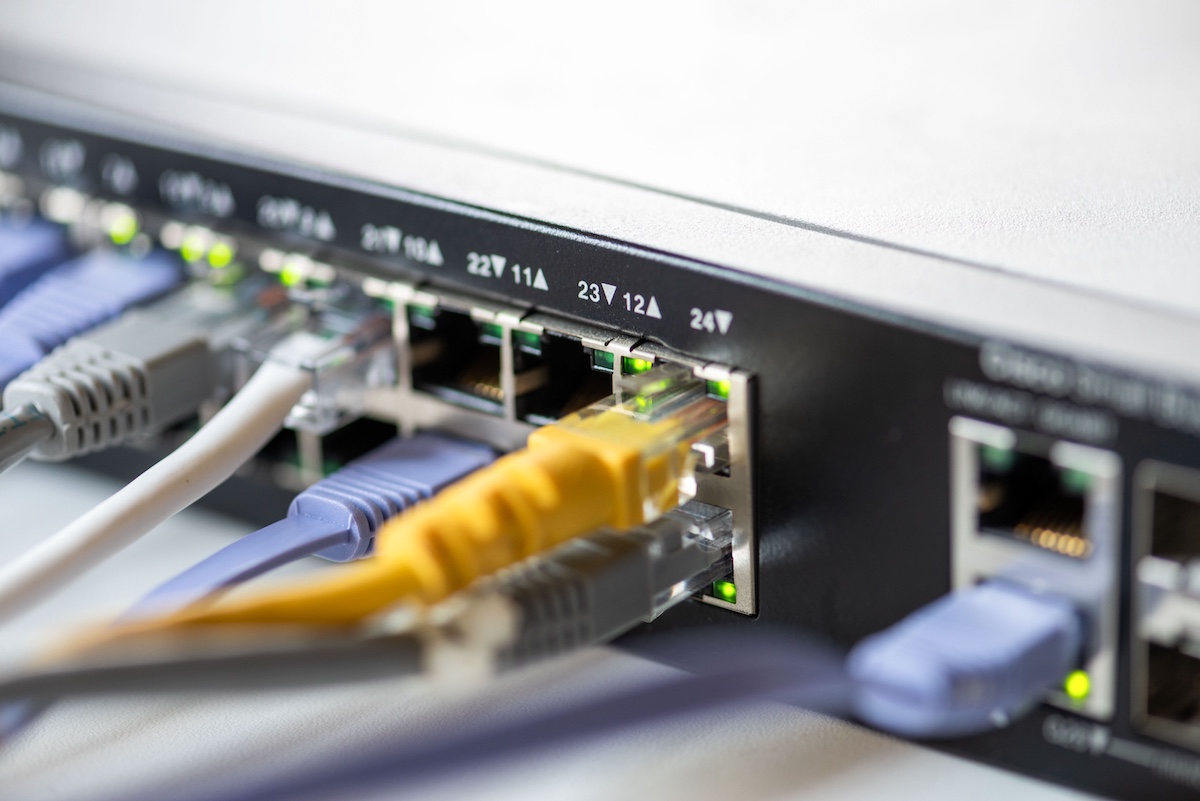
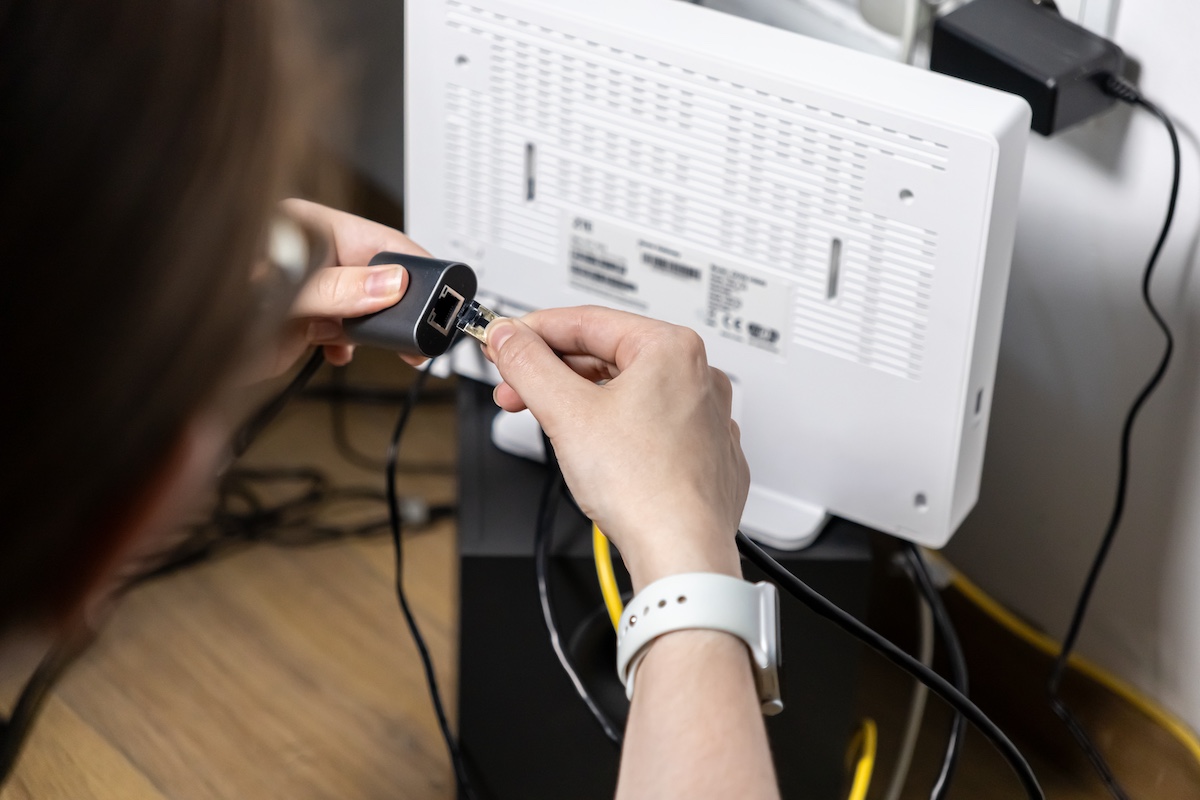
- Network equipment
Software refers to the programs and operating systems on that piece of hardware. Examples include:
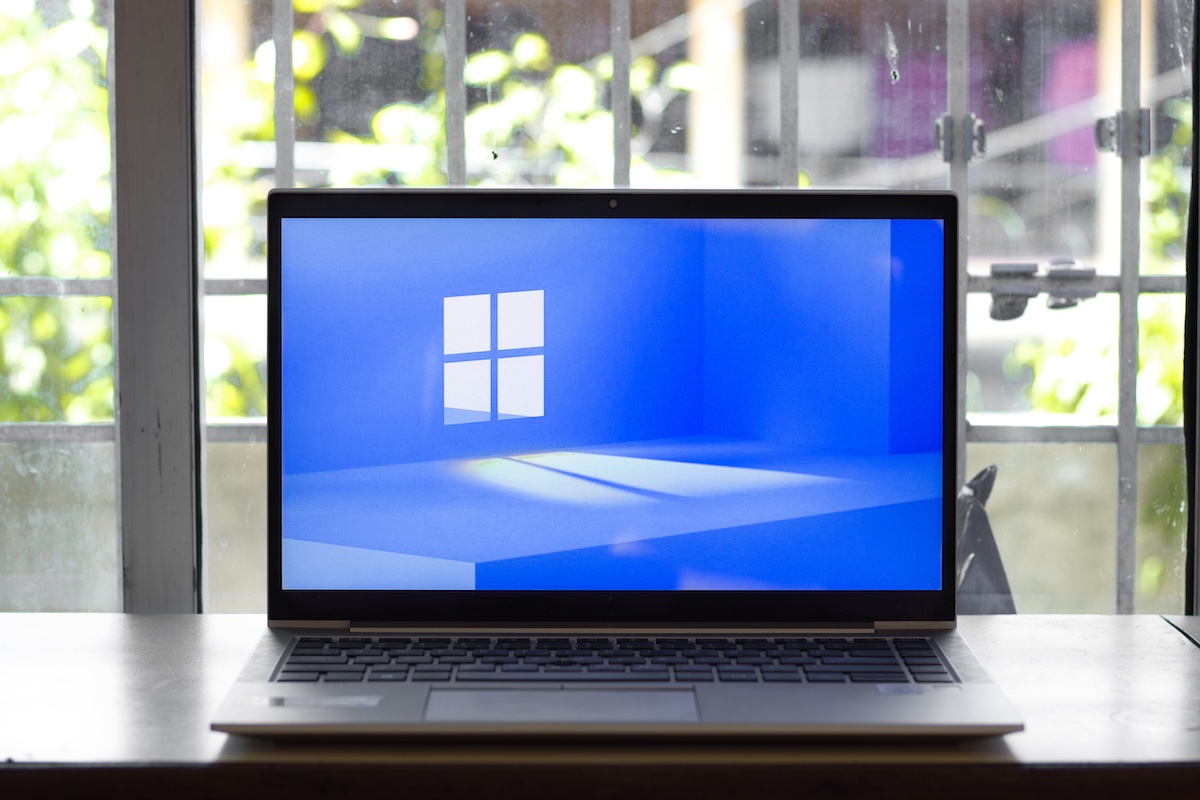
- Microsoft Windows
- Microsoft Office
- Accounting software
- Web browsers
- Email applications
- Security software
Both need to work together. When either one develops a problem, work slows down or stops altogether.
Technology Rarely Fits Into Neat Categories
Many people assume technology problems fit neatly into one category or another. In reality, that is rarely the case. A software issue can make a computer feel like it is failing. Aging hardware can cause applications to crash unexpectedly. Even network connectivity problems can look like system errors.
That overlap is what makes troubleshooting challenging. The symptom is usually obvious. The cause often is not. Two computers may appear to have the same problem while needing completely different solutions.
That’s why IT teams spend more time troubleshooting problems than replacing equipment. Understanding what is happening behind the scenes typically prevents unnecessary purchases and helps resolve problems more quickly.
Common Problem: The Computer is Running Slowly
A slow computer is one of the most common technology complaints in any office. The challenge is that performance issues can develop for many different reasons, making it difficult to know whether the problem is coming from the hardware itself or something happening behind the scenes. A gradual decline in performance usually points toward aging hardware. A sudden change usually suggests a software-related issue.
Most likely a hardware issue:
- The computer is several years old
- Programs take a long time to open
- The system struggles to run multiple applications
- Storage drives are nearly full
- Hardware specifications no longer match business needs
Most likely a software issue:
- The slowdown started suddenly
- A recent update was installed
- Multiple background applications are running
- Malware or unwanted software is present
- The operating system has become cluttered over time
Common Problem: The Computer Freezes or Crashes
Freezes and crashes pause work, especially when they’re frequent. The cause is not always obvious. Some crashes are caused by failing devices, while others are triggered by specific applications, updates, or software conflicts. If everything is crashing, hardware may be involved. If only one program is affected, software is usually the first place to look.
Most likely a hardware issue:
- The computer displays blue screen errors frequently
- The device becomes unusually hot
- Crashes occur across multiple applications
- Strange clicking or grinding noises are coming from the computer
Most likely a software issue:
- One specific application keeps crashing
- Problems began after an update
- Certain files trigger the issue
- The operating system recently changed settings
Common Problem: The Computer Won’t Turn On
This is one of the few situations where hardware is often the leading suspect. If the device shows no signs of life, hardware failure is often the cause. If it powers on but cannot complete the startup process, the issue may be software-related.
Most likely a hardware issue:
- No power indicators appear
- The device makes unusual noises during startup
- Power supplies have failed
- Internal components are damaged
Most likely a software issue:
- The computer powers on but systems will not load
- Startup updates failed
- Operating system files became corrupted
Common Problem: The Internet is Slow
Slow internet can impact nearly every part of the workday. Internet providers often get the blame, but the actual cause may be related to local network equipment, device settings, or even software running in the background.
Most likely a hardware issue:
- Network equipment is outdated
- Wi-Fi coverage is poor in certain areas
- Devices frequently disconnect
- Routers or switches are failing
Most likely a software issue:
- Background applications are consuming bandwidth
- Cloud backups are running
- Security software is scanning files
- Browser extensions are causing problems
Common Problem: Applications Won’t Open
People often assume they need a new computer when software won’t launch. In many situations, reinstalling or updating the application resolves the problem without any hardware replacement. Still, hardware limitations can sometimes contribute to the problem.
Most likely a hardware issue:
- Multiple programs fail to open
- Storage drives are failing
- The computer does not have enough memory
Most likely a software issue:
- Only one application is affected
- The software needs an update
- Licensing issues exist
- Application files have become corrupted
Common Problem: The Printer Won’t Print
Printers have a reputation for being unpredictable. Printing problems aren’t always caused by the printer itself. These problems are often related to software settings or network connectivity rather than the hardware itself. Still, hardware problems can cause printer problems.
Most likely a hardware issue:
- The printer will not power on
- Paper jams occur repeatedly
- Physical components are damaged
- Print quality remains poor after maintenance
Most likely a software issue:
- Print jobs are stuck in the queue
- The printer appears offline
- Devices cannot locate the printer
- Driver updates recently occurred
- The printer works for some users but not others
The answer is not always obvious when technology stops working. A slow computer doesn’t automatically mean it is time for a replacement. A printer problem does not necessarily mean the printer is failing. In many cases, what appears to be a hardware issue turns out to be a software, network, or configuration problem instead.
The important thing is not jumping to conclusions. Replacing equipment may solve the problem, but only if the hardware was the issue in the first place. That’s why troubleshooting matters. Taking the time to understand what is happening behind the scenes often leads to a faster and more cost-effective solution.
At GSD Technologies, we help businesses identify the root cause of technology issues instead of simply treating the symptoms. The sooner you understand what’s causing the problem, the sooner you can get back to focusing on your business instead of its technology.
Share